Research on millions of legal documents: how Oracle Text changed response times
How three Oracle Text indexes cut legal archive search times from 90 seconds to under 700ms. A real case with CONTEXT, CATSEARCH, and CTXXPATH.
Oracle 19c+ articles: DBA administration, performance tuning, Data Guard, partitioning, AWR/ASH, security and migration to Oracle Cloud (OCI).
I have seen a DBA shut down a production system with a DROP TABLESPACE run on the wrong window. I have seen four-second queries turn into four-hour queries after an upgrade, because someone had touched optimizer_features_enable “it was the same anyway”. I have seen backups that would not restore, audits disabled “temporarily” for five years, and indexes created by hand on a Friday afternoon in production.
And I have seen the exact opposite: Oracle instances that have been running for twenty years without a minute of unplanned downtime, handling huge workloads and surviving three major upgrades without a scratch.
The difference has never been the version. It has always been who was running it.
I have been working with Oracle since 1996. In nearly thirty years I have seen Oracle 7, 8i, 9i, 10g, 11g, 12c, 19c, 21c, 23ai come and go — along with paradigms, trends, consultants selling the feature of the month as the answer to every problem.
The heart of the engine, though, has stayed the same: solid, complex, unforgiving to those who do not know it deeply.
You do not learn Oracle from tutorials. You learn it:
DBMS_STATS.GATHER_SCHEMA_STATS run with default parametersv$ views that tell the truth even when the application is lyingWhen a customer calls me because “the database is slow” or “something is off”, there are five things I look at before touching any parameter. It is not a checklist from a certification course — it is what I have learned to look at after wasting too much time on the wrong places.
| What | Where I look | Why |
|---|---|---|
| The real workload | AWR, ASH, v$active_session_history | Understand who really burns CPU, I/O and db time — often it is not what the customer suspects |
| What whoever came before me changed | v$parameter with ismodified, dba_hist_parameter | “Non-standard” parameters are the first sign of past debugging left without documentation |
| Who does what | dba_audit_trail, unified_audit_trail, scheduled jobs | Find the night jobs, the real application connections, the untracked DBA accesses |
| Data Guard status | v$dataguard_stats, v$archive_dest_status | If there is a standby, check it is actually aligned — do not trust the dashboards |
| Space and growth | dba_tablespaces, dba_hist_tbspc_space_usage | Figure out where you are heading before you hit the wall, not after |
Once I have read these five things, I have 70% of the picture. The other questions come afterwards — and they come focused.
Real stories, concrete numbers and lessons learned on Oracle in production. Architecture, performance, security, migrations, SQL tuning, PL/SQL, storage management and design decisions that separate an installation that works from one that merely survives.
No brochure theory. Just what I have seen work — and what I have seen fail — in real environments: insurance, telco, public administration, banking, pharma.
With Oracle, knowing the syntax is not enough.
You need to understand how the engine thinks — and have the humility to admit that, sometimes, the engine is right.
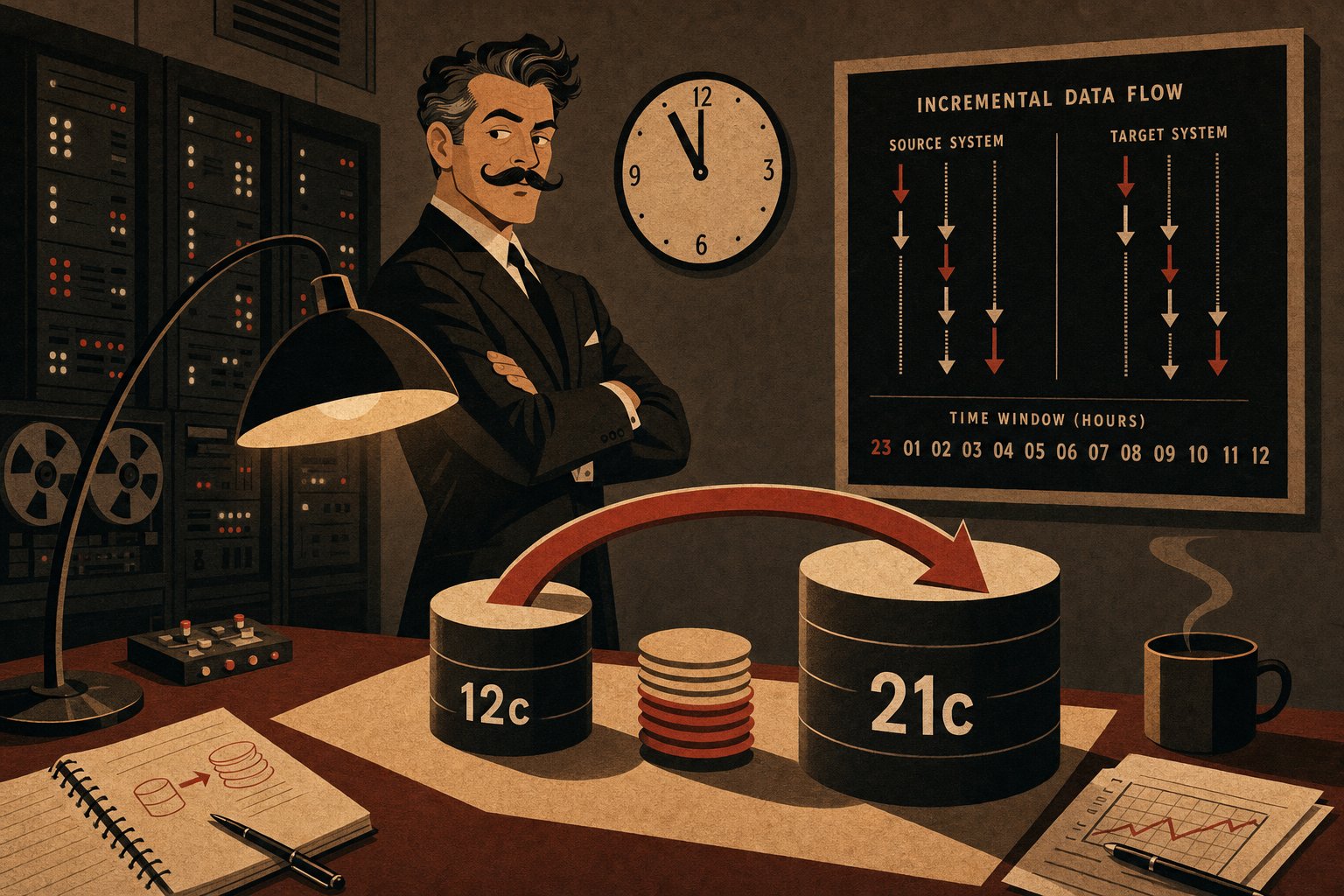
Moving 12 TB from Oracle 12.2 to 21c with transportable tablespaces and RMAN incremental backups, keeping downtime under four hours. Real numbers and commands.
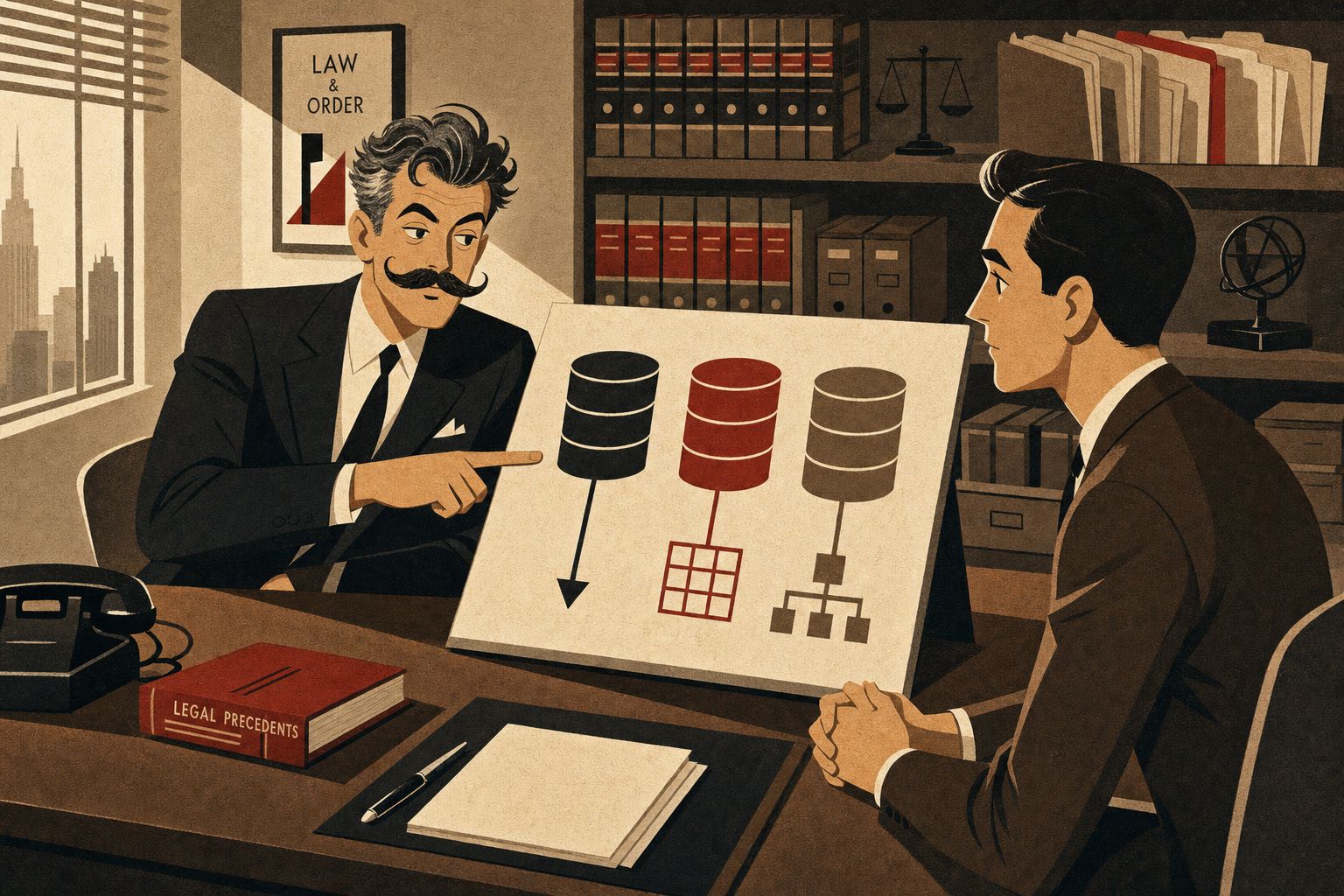
How three Oracle Text indexes cut legal archive search times from 90 seconds to under 700ms. A real case with CONTEXT, CATSEARCH, and CTXXPATH.

Oracle 26ai introduces CREATE ASSERTION, the cross-table declarative constraint SQL-92 promised for decades. Syntax, comparison with triggers, and real insurance use cases.

Step-by-step diagnosis of ORA-00205 during a night emergency: MOUNT phase, control file, SPFILE, redo log. A practical method for on-call Oracle DBAs.
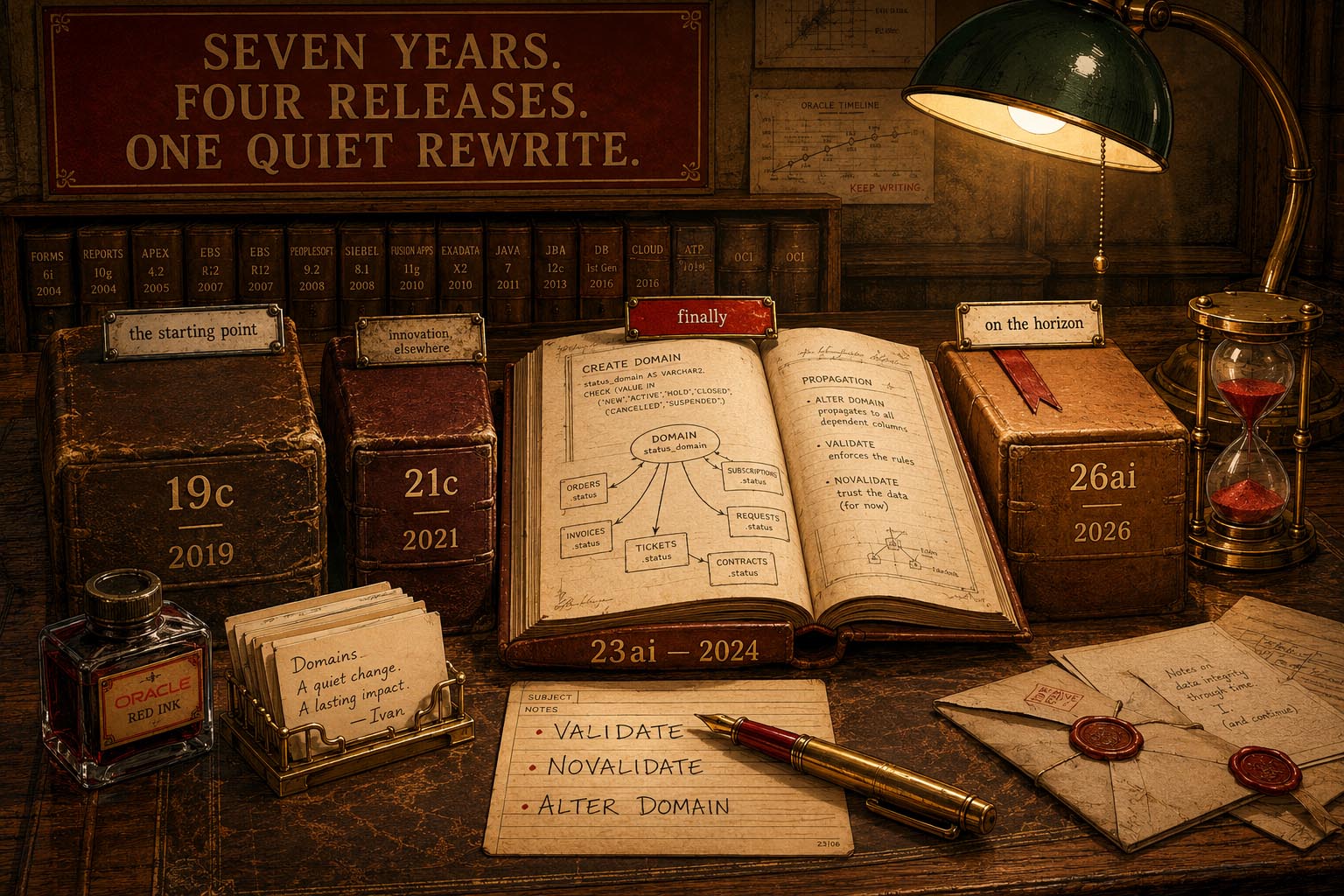
Seven years of Oracle seen through enumerations: from 19c CHECK to 23ai SQL Domains, all the way to 26ai Assertions. An insurance migration story.
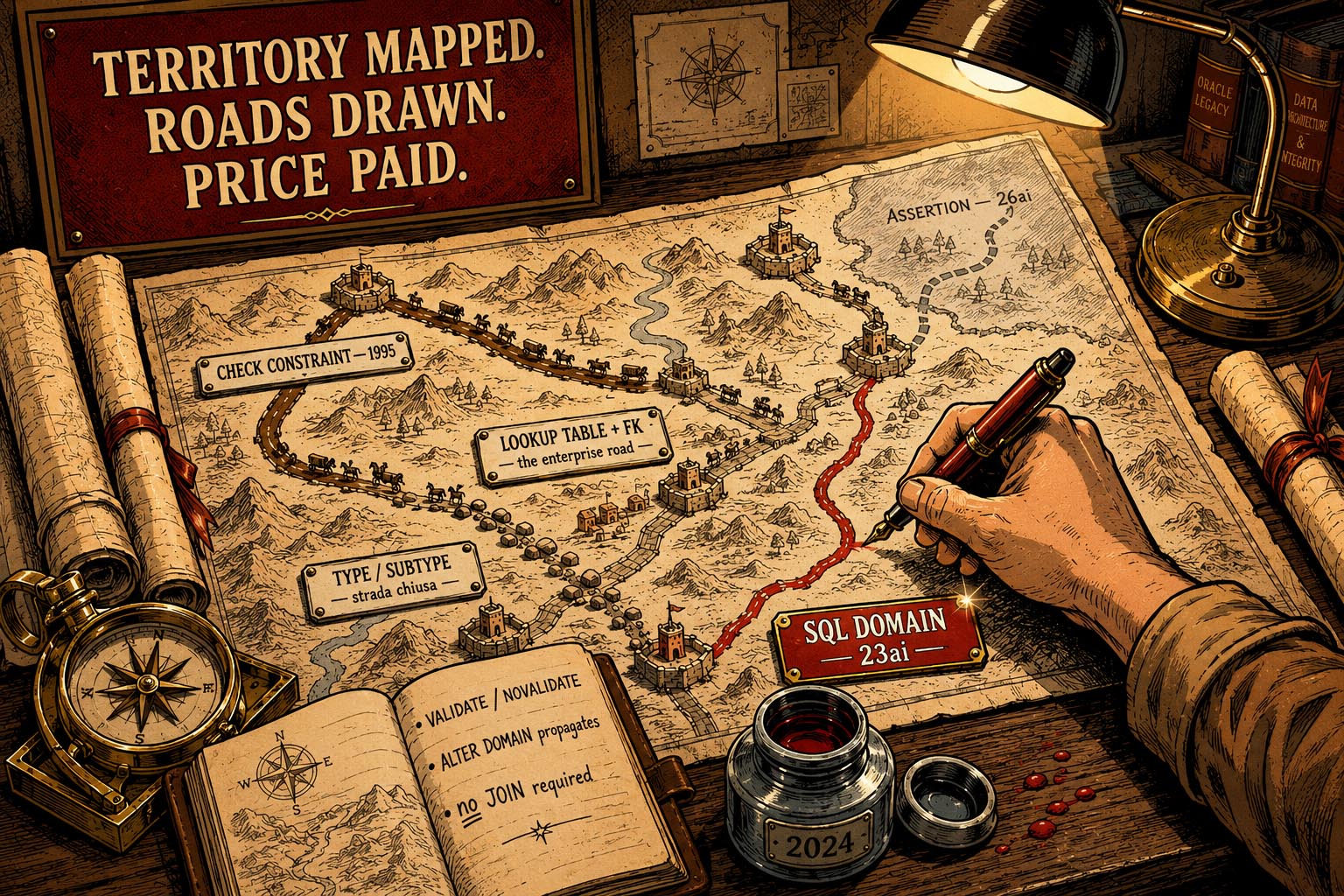
Oracle never had a native ENUM. CHECK constraints, lookup tables and SQL Domains 23ai: three roads, a real banking case, and what's coming with 26ai.

Oracle 19c on-premises to OCI migration: 2 TB with RAC and Data Guard. BYOL licensing, Data Pump, overnight cutover — real chronicle.
Oracle 19c on Linux: kernel tuning for real performance. Huge Pages, THP, swappiness, I/O scheduler, ulimit — before and after numbers.

Oracle 19c performance tuning with AWR and ASH: finding a hidden full table scan in a stored procedure in 10 minutes, the eve of a go-live.
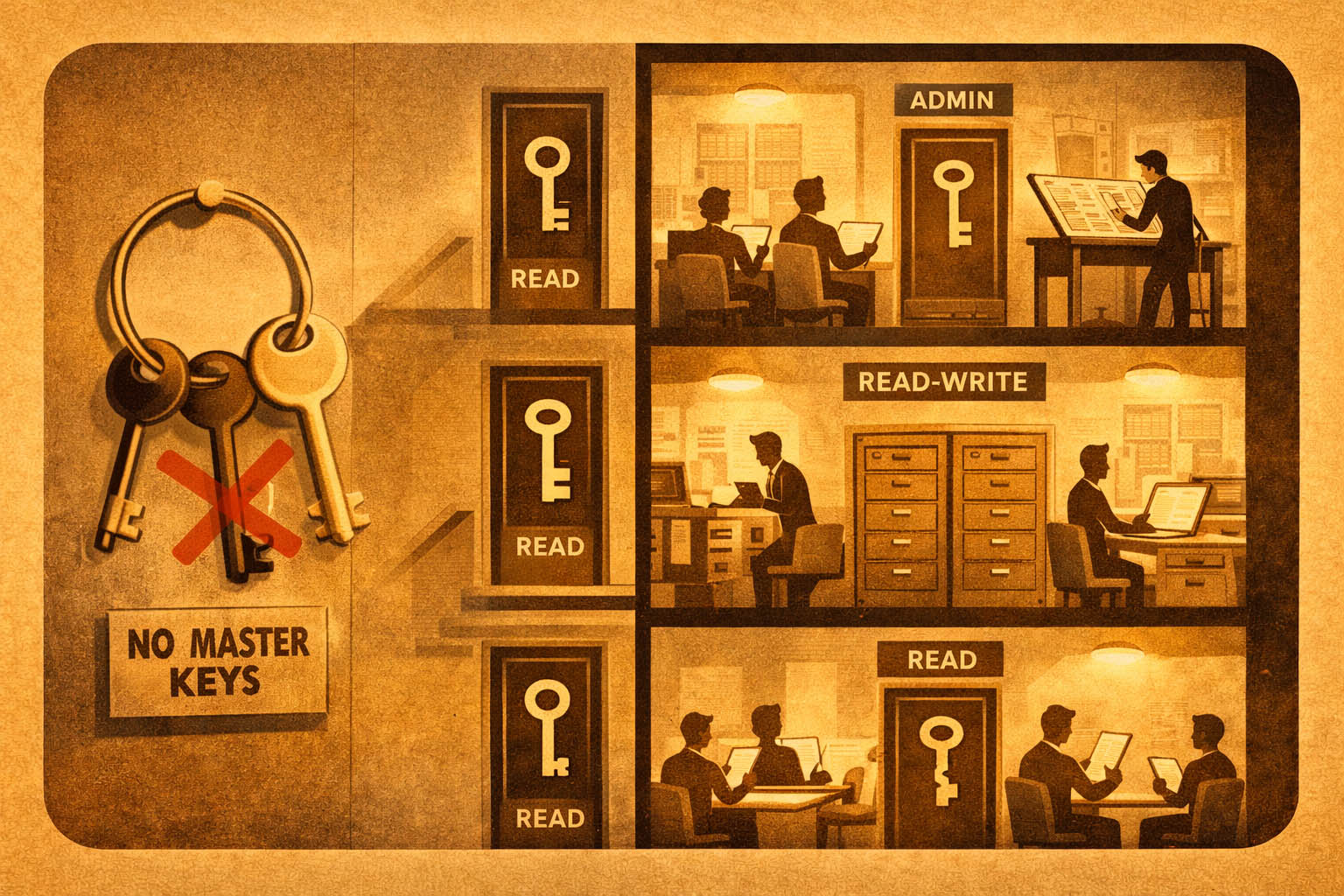
Oracle security: redesigning the GRANT model with custom roles and Unified Audit, applying least privilege. Real case with copy-paste SQL.
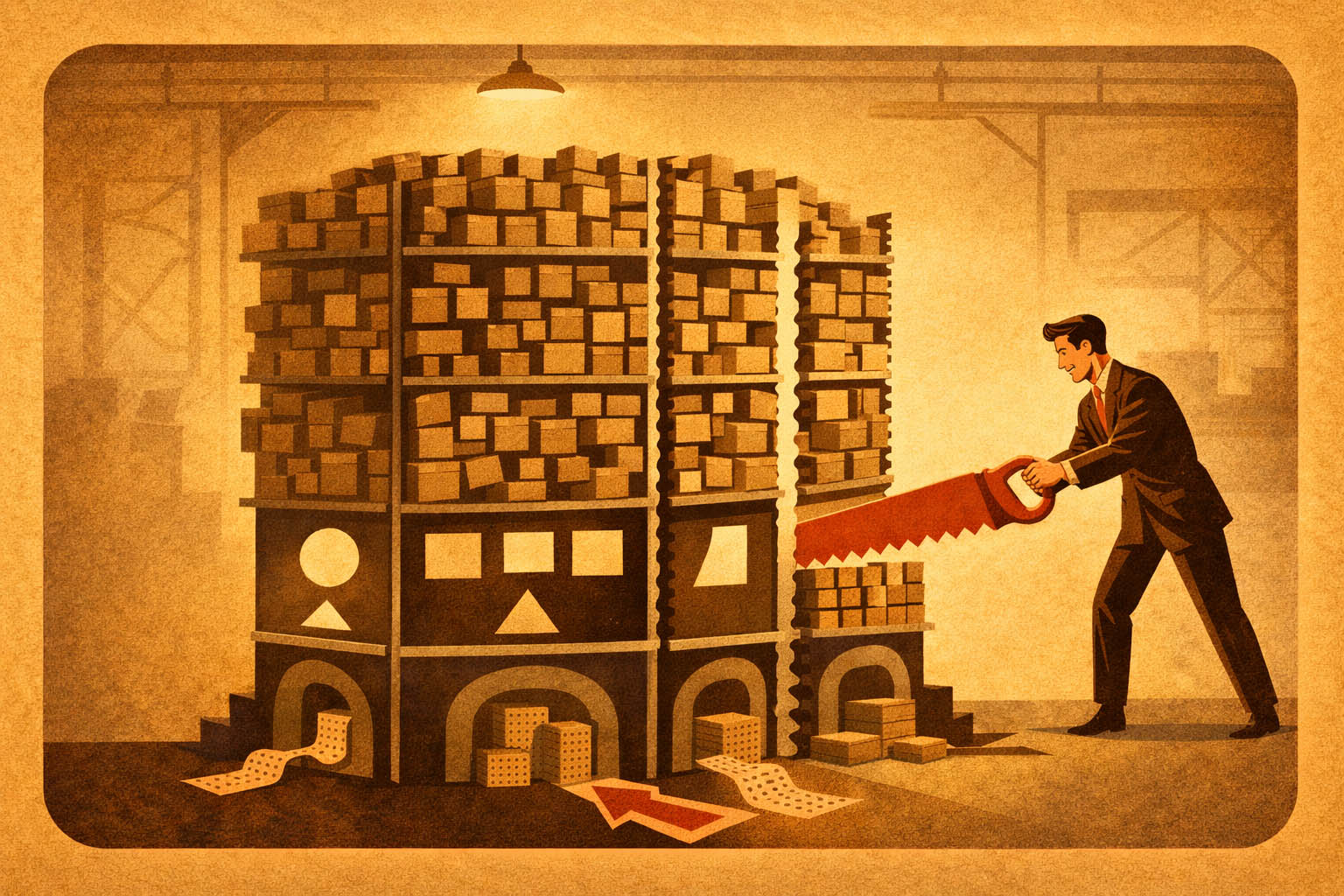
Oracle Partitioning on a 2-billion-row table: range, interval, partition pruning, local indexes. From hours to seconds on reporting queries.
Oracle Data Guard 19c: migration from single instance after a 6-hour outage. DR architecture, primary/standby, automatic switchover.
Start typing to search…
Select a result to see the preview